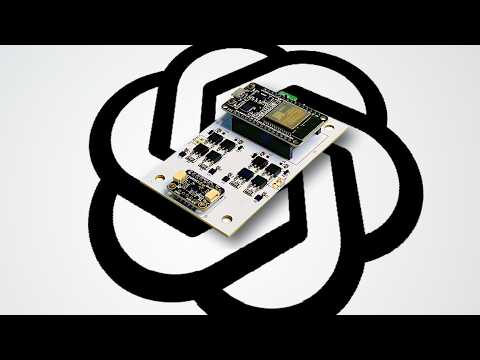
AI seems like it can do a lot, but can it design electronics that actually work? Well let’s try it out with ChatGPT and ask it to design and code its own electronics.
PCBWay, where you can make custom PCBs, 3D print, CNC mill, and more!
(referral link, you get a $5 coupon!)
bro why u like minion ?
6:04 lol 😂😂😂😂😅😅😅
Haha, sonnet 4. this would be interesting today..
I tried this a year ago with ChatGPT but gave up quickly but things have changed a lot lately especially in the last month or so (July 26). I’m now using the ChatGPT/Codex combined app. Using 5.6 Sol inside a win11 VM it can control Kicad both in scripting the project files and also with direct computer use on the KiCAD GUI with no input from me. I have been using the app’s remote access feature from my phone, away from home, into the VM and the Chatgpt app. The phone app is nearly fully feature rich now which is great. For this project it is probably faster via Kicad CLI than direct GUI control but can do both. Now it did the complete design (i had pretty strict specs) and also wrote a python script itself to generate the .project files and such under a lot of rules. took some refinement but it worked well. My project is quite big (7 schematics), MCU, Digital and analog inputs and power outputs, CANBUS etc. And it’s first pass schematic outputs were maybe 90% complete visually but 100% electrcally (ERC errors). I just had to furnish them a bit but pretty impressive first pass. Big jump from last year’s try – it could really do anything then. The lbiggest thing is learning how to drive the AI. Good direction in and good oversight is certainly needed not just ‘vibe engineering’. I am wanting to try Claude on a parallel project and their new Fabel but it i think will just burn through too many tokens trying especially if they are removing it from subs and for only API – it will be even more expensive. For this type of stuff the difference is like 5-10:1 Claude to ChatGPT in terms of token usage.
I know circuit design inside out, but even I can’t figure out what drafting system he’s using for his diagrams.